
Migrating from one dedicated hosting provider to another is a complex task that requires careful planning. Whether you’re moving to a new data centre or a different hosting provider, missing even a small step can lead to downtime, data loss, or performance issues. Based on my experience handling multiple hosting migrations, I’ve compiled this comprehensive checklist to help ensure a smooth transition.
Planning
✅Document existing server configurations, applications, and dependencies.
✅Ensure the new hosting environment supports your software stack, OS, and required services.
✅Take full backups of databases, applications, and configurations before starting the migration.
✅Notify stakeholders about potential downtime and plan for minimal disruption.
✅Notify clients or managed partners of a plan to add the new IP address for any whitelisting.
✅Ensure that the new hosting provider meets your security and compliance requirements.
Infrastructure Preparation
✅ Configure the new hosting environment, including OS, storage, and networking.
✅ Set up web servers (IIS, Apache, Nginx), databases, security tools, and dependencies.
✅ Ensure firewalls, DDoS protection, and security policies match the old setup.
✅ Install and configure SSL/TLS certificates to avoid security warnings.
✅ Maintain access control for applications, services, and databases.
Data Migration
✅ Use database replication or backup/restore methods to transfer SQL, NoSQL, or other databases.
✅ Copy all web application files, configurations, and static content to the new server.
✅ Update environment variables, API keys, and connection strings.
✅ If the hosting provider manages emails, transfers email accounts, DNS records, and backups.
✅ Ensure all background tasks, reports, and scheduled scripts are set up correctly.
Domain Configuration
✅ Modify A, CNAME, and MX records to point to the new hosting provider.
✅ Ensure traffic routing in load balancer and failover mechanisms work properly.
✅ If using a CDN, update settings to reflect the new server location.
✅ If specific IPs are whitelisted for API access, update them accordingly.
✅ Ensure outbound emails work correctly after migration.
Testing
✅ Test web applications, APIs, and backend systems for issues.
✅ Ensure that data consistency and relationships remain intact.
✅ Validate firewall rules, authentication mechanisms, and SSL configurations.
✅ Ensure logs are being collected and monitoring tools are configured correctly.
✅Prepare the holding page.
✅ Have key users validate the application before the final switchover.
Final Cutover
✅ Plan for an off-peak cutover to minimise business impact, ideally the weekend if you are migrating corporate projects.
✅ Keep a close eye on CPU, memory, database queries, and server load.
✅ Ensure new backup processes are working correctly.
✅ Once everything is verified, cancel the old hosting subscription to avoid extra costs.
✅ Note any challenges faced during migration to improve future processes.
Things to Consider Outside Technology
✅ Take regular breaks to keep your mind fresh. Do not try to do everything at once.
✅ Migration is stressful, so boost your energy level with a beverage or other essential boosting process (as you can see, my boosting process is outlined below).
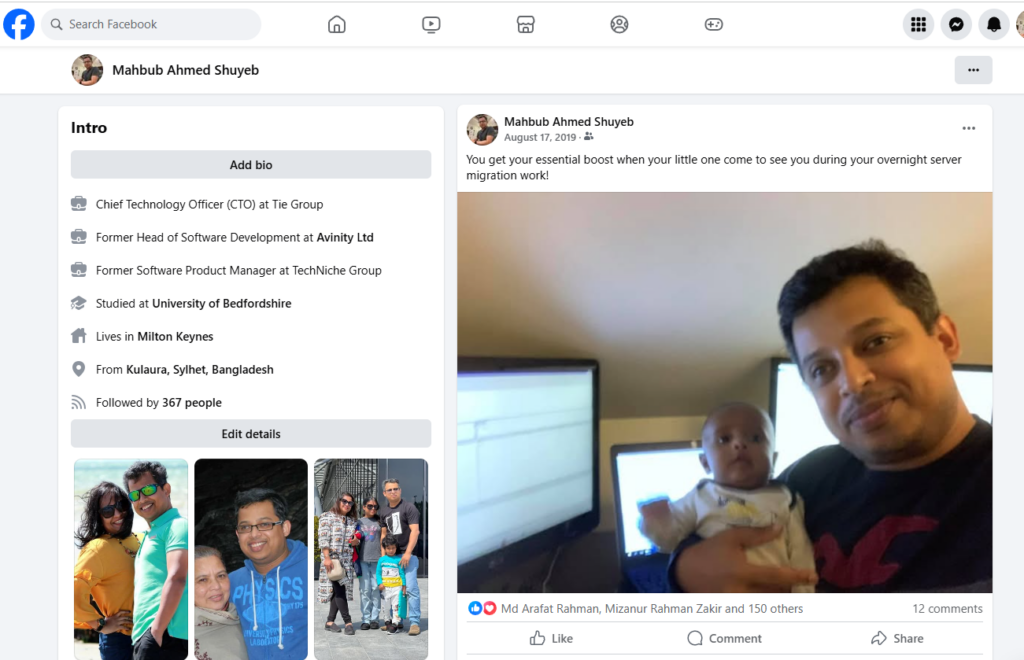
Migrating hosting can be a high-risk, high-impact process, but a detailed checklist ensures nothing gets overlooked. By carefully planning, testing, and monitoring every step, you can minimise downtime, prevent data loss, and provide a seamless transition.